
Featured Enhancements
Created a System Maintenance function to Zero Out Case File Balance(s) based on a custom report
of file numbers, for firms who need to bring case file balances to zero en masse,
under Administration > Setup > System Maintenance > Other.
Updated the Documents search to hide the Document folders (categories) if they didn’t
contain any matches to the search text, under Case File > Documents.
We’ve integrated with PaymentVision! Enjoy another great option for credit card and ACH payments.
Click here to see how it streamlines your workflow.
Case File
- Main:
- Added better reporting of each Account’s Contract Rate and Interest Date within the “Accounts” accordion on the Case File’s Main screen.
- Litigation > Settlement Offers:
- Enabled the “copy to payment arrangement” feature of “Settlement Offers”, which is available after a Settlement Offer has been accepted.
- Documents:
- Added logic to speed up the document build processing (when document expressions or document conditions must be calculated).
- Opponents/Debtors:
- Streamlined logic on the Opponents / Debtors screen to slightly increase load speeds.
- Problems:
- Added new fields / logic to speed up the Case File’s Conflict Check processing, especially for larger databases.
Contacts
- Clients:
- Audit tracking is now included on the “Remit on Negative Debtor Pmts?” field in the Client’s Remittance Settings area.
- Clients > Settings:
- Provided a “Test” option next to the “Email Subject Line Template” field on the Client Settings screen in order to review your email subject line before clicking send.
- Added client-level “Cost Advance Method” of “Cost” for firms that have the Cost Account features enabled and want to only advance costs from the cost account (and bill if there are not enough funds).
Tools
- Data Import > Imaging:
- Set up “comma” as a possible separator within the Imaging import settings.
- Tools > Custom Reporting:
- Added a “Checks” fieldset to Custom Reporting with associated fields, for reporting unprinted check transactions (note that the “check” naming may have been changed within CMP’s Terminology setup).
- “Count Distinct” Aggregate option included in Custom Reporting fields for more advanced reporting options.
Accounting
- Bank Account Recon > Tools:
- Required a new transaction review popup dialog when running the “Fix Clear Dates” or “Fix Check Dates” routine to ensure the correct transactions are updated.
- Billing > Open Bills:
- Enhance Added an “Export to Excel” option to the “Other” button in the Open Bills grid.
Administration
- Lookups > Opponent > Entity Types:
- Converted the Add New / Edit of “Entity Types” from a drilldown (postback to different screen) into a popup.
- Setup > Company:
- Accounting tab: New ability to override the Company Name and Address displayed at the top of invoices.
- Advanced tab:
- Enhanced the Company Setting for configuring if CMP should report a “problem” during the Problems Check routine if the file’s Case Type is marked as Subrogation and the Insured’s Address is not populated.
- Updated the SAVE process within the Company Settings area to automatically reset the current case file’s email subject line template (that is configured when the case file first loads), so that it updates instantly if it is changed.
- Supplied a “Test” option next to the email subject line template field to test changes.
- Automations tab: New fields added to the Visibility (the eye icon) field selector: Category, Note, and Created By / Last Modified By, for better tracking purposes.
- Nightly Automations tab (if enabled): Provided the option to “Remove Review” as part of the Nightly Automations.
General
- Added the “eye” icon that toggle fields on / off (such as the Case Number) to the “Previously Viewed Case Files” popup.
- Coded an additional process to the Login routine to better prevent brute-force attacks (by locking users out for 15 minutes after 15 incorrect login attempts).
- Provided the ability to enter “!!” before text in a CMP grid’s column search to search for values that do NOT match the subsequent text entered, such as “!!test” to find all entries that do NOT include the word “test” (to match the standard Search bar’s functionality).
- Upgraded backend code to speed up and streamline page loads and processes in CMP Online.
Did You Know?
CMPOnline has all kinds of hidden secrets!
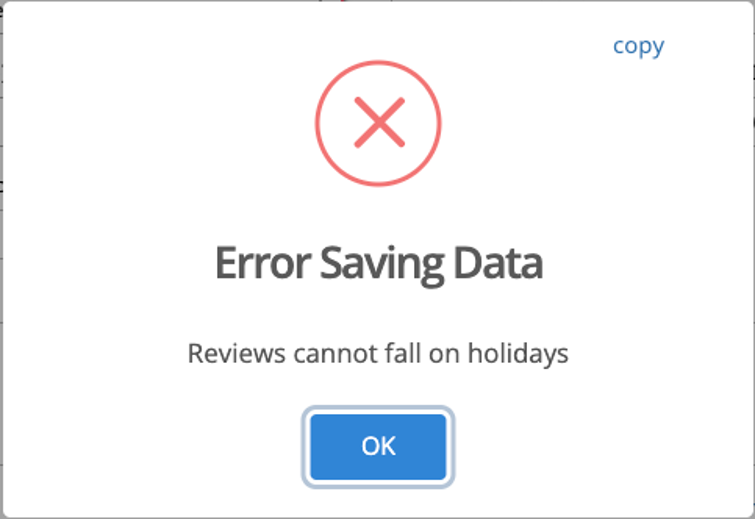
CMPOnline allows you to add and manage Court Holidays by navigating to
Administration > Setup > Company > Court Holidays.
Keeping your Court Holidays current helps maintain accurate scheduling and
deadline calculations throughout the system.
As always, if you have questions, CMP Support is happy to help!
Stay tuned for future tips about CMPOnline!